Core Features
What NotBot Captures
What NotBot records from a show, win photos, and the limits of what platforms share.
Last updated 2026-10-08 · Applies to NotBot 1.4.4+
NotBot watches your live show and records what happens. It uses what it sees to decide what to print, to fill the live panel, and to build your show history. This page lists what NotBot reacts to and the limits of what platforms share.
What NotBot reacts to
| Event | When | What NotBot does |
|---|---|---|
| Auction won | An auction ends with a winner | Records the sale and prints by your settings. Saves a win photo. |
| Buy It Now purchase | A buyer buys a shop listing, including a pinned listing run like an auction and flash sales | Records the sale and prints by your Buy It Now settings. On eBay Live, Buy It Now purchases print too. |
| Offer accepted | You accept a buyer's offer and it closes as a sale | Records it like Buy It Now, with an OFFER ACCEPTED badge. Whatnot only. Declined or cancelled offers are ignored. |
| Giveaway won | A giveaway picks a winner | Records the winner, and on Whatnot the entrants. Prints by your giveaway settings. |
| Payment failed | A buyer's payment fails | Can print a PENDING PAYMENT label. Whatnot, and eBay Live auctions. |
| Payment succeeded | A failed payment goes through | Marks the sale paid. Never prints. |
| Raid | Another seller raids your Whatnot show | Can print a raid label (off by default). |
| Bid | Someone bids on an auction | Adds it to Live Bids. Never prints. |
| Chat message | A viewer chats | Records the chat and the viewer. Never prints. |
| Show shared | Whatnot reports the show was shared | Counts shares and records who shared, for the show's Summary. Never prints. |
Which of these each platform sends is on Platform Support. What prints for each is on When NotBot Prints.
Win photos
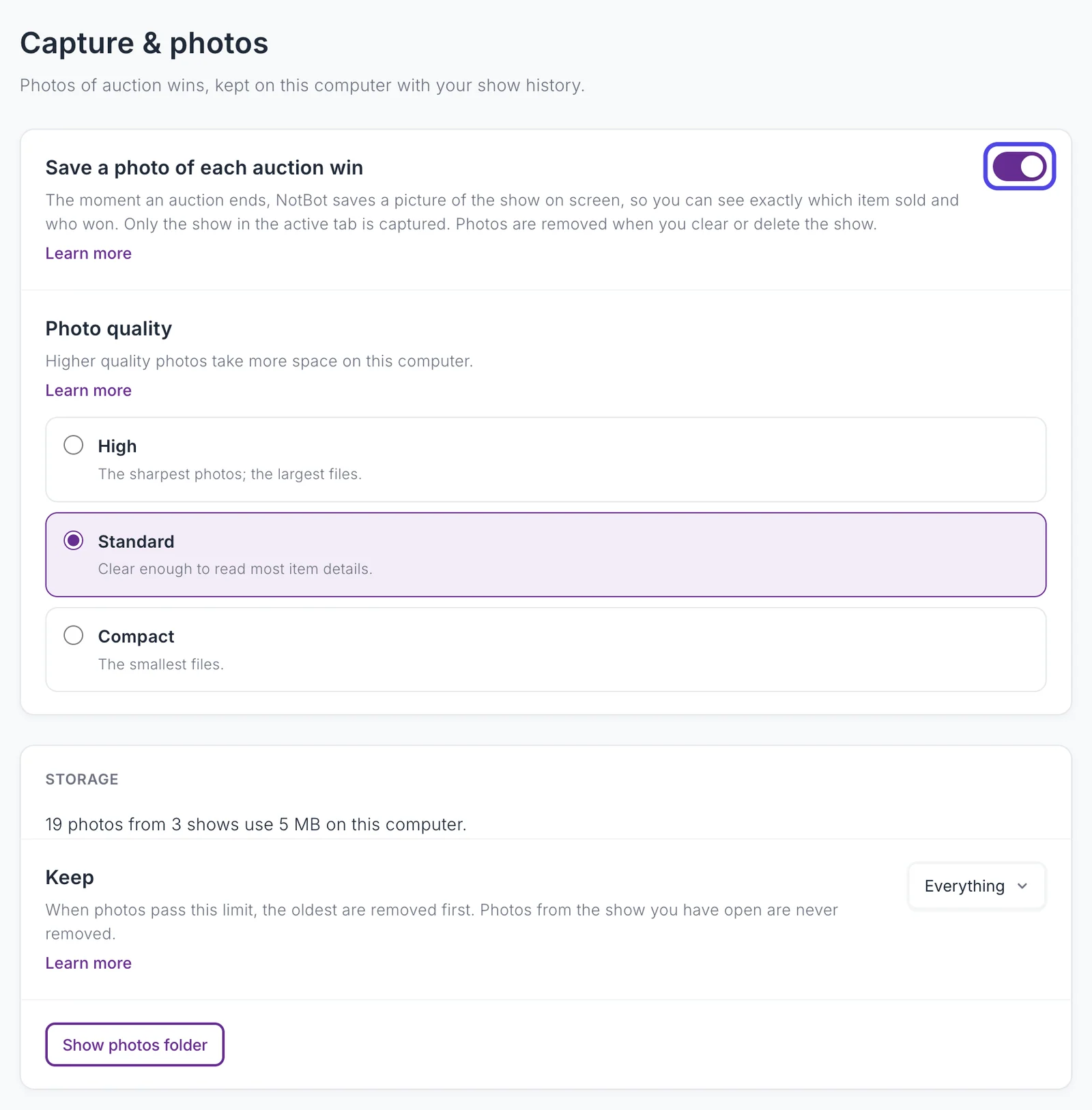
The moment an auction ends, NotBot saves a picture of the show as it is on screen, so you can see exactly which item sold and who won. Only the show in the active tab is captured. Photos are on by default, kept on this computer with the show, and shown in Show History.
Turn them off, choose their quality, and limit how much space they use in Customize › Advanced Settings › Capture & photos. See Keep win photos from filling your disk.
The show's seller and title
Every show records the seller's name and the show's title. You see both in Show History and the show picker, you can search shows by seller, and both are on your show reports. On eBay Live the title comes with the show; on Poshmark Live and District NotBot reads it from the show page and picks up a new title if you rename the show. If a show on those platforms has co-hosts, NotBot keeps the first seller it sees.
On eBay Live, if you rename a listing during the show, labels printed after that use the new name.
What platforms do not share
These are limits of the platform's live feed, not gaps in NotBot:
- Real names and shipping addresses. Platforms share usernames during a show. Names and addresses come through the platform's own orders after the show, and NotBot never sees them.
- Payment details. NotBot sees the sale price, not cards, payment methods, payouts, or fees.
- Anything outside the show you have open. NotBot only watches the show open in its built-in browser. It does not reach into your platform account.
- Long giveaway entry lists. Whatnot shares at most 50 entrant usernames for a giveaway.
Box numbers are NotBot's
A box number is one NotBot gives out, starting at 1 for each show. It is not a number your platform uses, so it will not match numbers in your seller dashboard. The auction number on item labels is the same: NotBot's running count of auctions in the show. See Print Modes for when numbers are given out.
See also
- Platform Support for what each platform sends.
- When NotBot Prints for how events become labels.
- Show History for what is kept from each show.