Account & Billing
Privacy
What stays on your computer, what leaves it, and the choices you have.
Last updated 2026-10-08 · Applies to NotBot 1.4.4+
NotBot does most of its work on your computer. This page lists what stays there, what leaves it, and the choices you have. The same choices are in Customize › Advanced Settings › Updates & privacy and in the Settings drawer's About tab.
What stays on your computer
Your show history is kept in a database on your computer, whether or not you also save it to your account:
- show details (dates, sellers, titles);
- auctions, giveaways, Buy It Now purchases, and accepted offers;
- box numbers;
- chat and bids;
- the labels NotBot printed or skipped;
- win photos (on by default; see Settings Reference).
Your settings, label designs, and logos are kept in the same folder:
- macOS:
~/Library/Application Support/notbot/ - Windows:
%APPDATA%\notbot\
Unless you turn on saving to your account (below), this data is not copied anywhere.
What leaves your computer
NotBot talks to MellowTools for a fixed set of reasons:
- Sign-in and subscription checks. See Account & Billing.
- Updates. Checking for and downloading new versions.
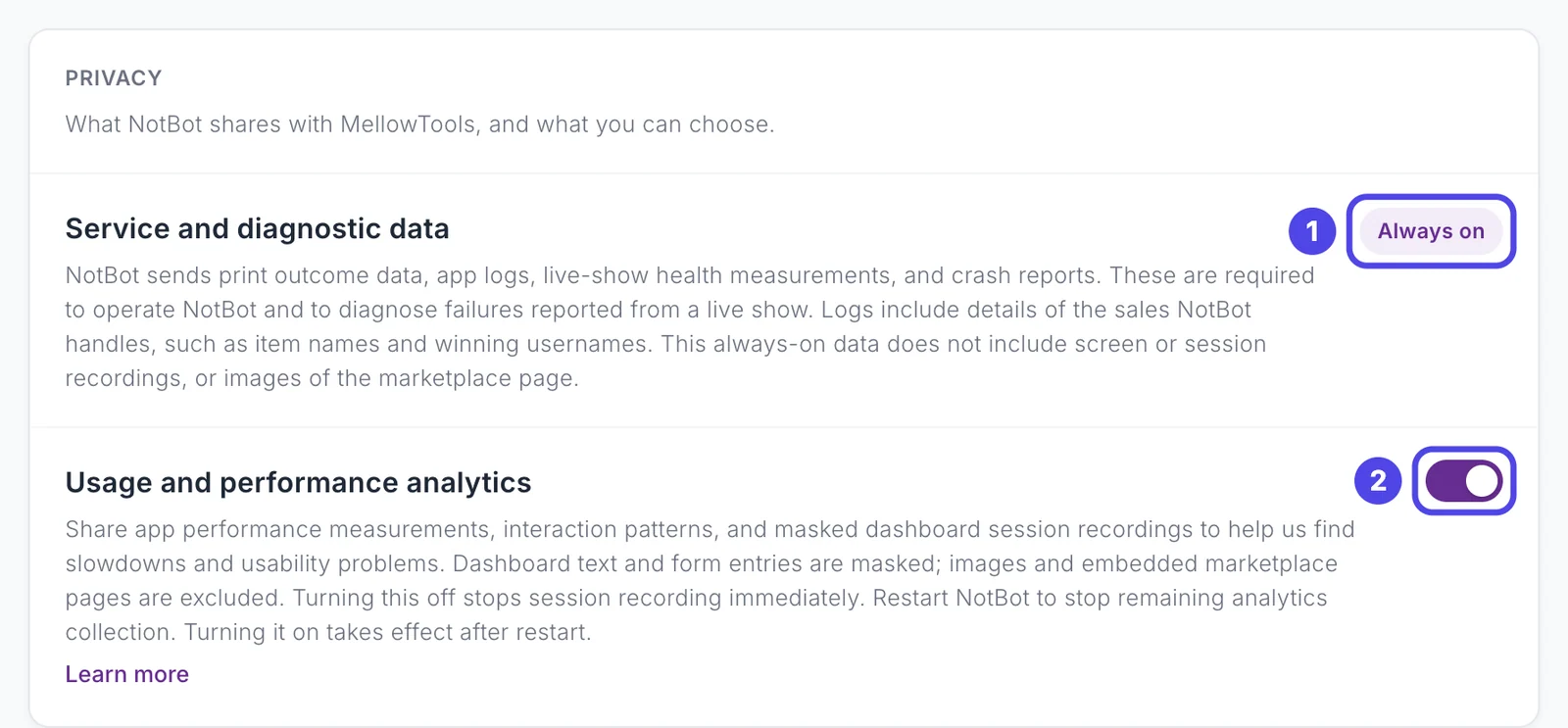
- Service and diagnostic data (always on). Print outcomes, app logs, live-show health measurements, and crash reports. These are needed to run NotBot and to work out what went wrong when you report a problem from a live show. Logs include details of the sales NotBot handles, such as item names and winning usernames. This data does not include screen or session recordings, or images of the marketplace page.
- Usage and performance analytics (on unless you turn it off). App performance measurements, how the NotBot panel is used, and masked recordings of NotBot's own screens. Text and form entries are masked, and images and the marketplace pages are left out. Turning it off stops session recording at once; restart NotBot to stop the rest. Turning it on takes effect after a restart.
- Your show data, only if you turn it on. Include data from this computer, in Customize › Advanced Settings › Sync & devices, saves what this computer records during your shows to your account: sales and purchases, giveaways, buyer names and numbers, chat, viewer and reaction counts, bids and auction runs, payment failures, printed labels, and win photos. It is off until you turn it on and set per computer. Turning it off stops saving from this computer; shows already saved stay in your account. See Save your shows to your account.
If you want to know what is in the diagnostic data from your computer, email support@mellowtools.com and we can go through it with you.
Where your data goes
Our service is hosted in the US. If you need your data kept in another region, contact us. We can talk about it, but we cannot promise anything different today.
See also
- Account & Billing for sign-in.
- Show History for where show data lives and how to back it up.
- Updates for how NotBot updates.