Core Features
Print Modes
Every item, Buyer only, and Every item + buyer: what each one prints and when box numbers are given out.
Last updated 2026-10-08 · Applies to NotBot 1.4.4+ · Identical to the stable docs
Print mode decides what kind of label prints for each sale in your show. It is the most important setting in NotBot. This page explains the three modes and what each one prints. To change it step by step, see Choose which labels print.
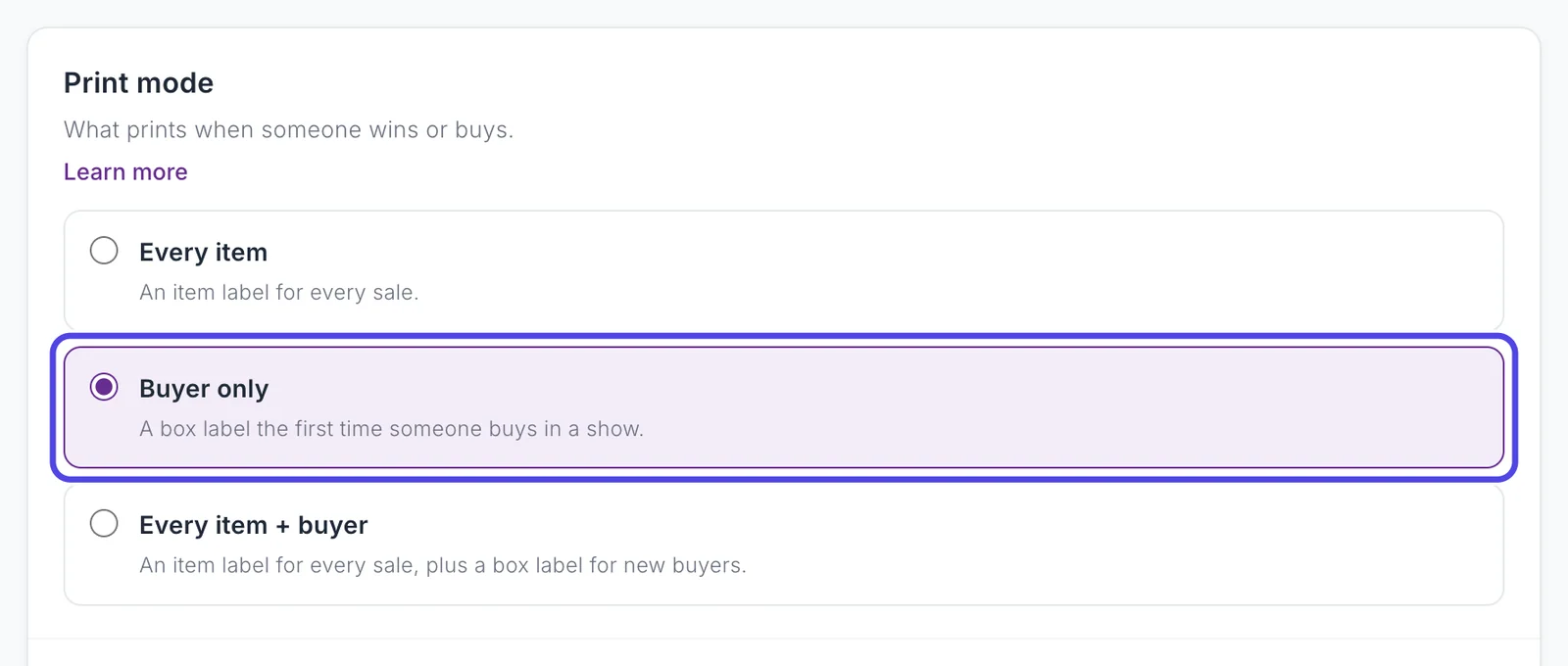
- Every Item: an item label for every sale. No box numbers.
- Buyer Only (the default): a box label the first time someone buys in a show. Later sales by the same buyer print no label of their own.
- Every Item + Buyer: an item label for every sale, with the buyer's box number on it, plus a box label for each new buyer.
Set it in Customize › Advanced Settings › Basics › Print mode, or Print Mode in the Settings drawer. It is one setting shown in both places. You can change it at any time, including during a show; the next sale uses the new mode.
Two kinds of label
- A box label (also called a buyer label) shows the buyer's box number and username. You stick it on the buyer's box or bag and drop everything they win into it.
- An item label shows the item, the buyer, and the kind of sale (AUCTION WIN, BUY IT NOW, OFFER ACCEPTED, GIVEAWAY). In Every Item + Buyer it also shows the box number.
What each label looks like is up to you: see Labels and the Label Editor.
Buyer Only (default)
The box method. A buyer's first auction win in the show prints a box label with their new box number. Their later auction wins print nothing, because their box already has its label. In Recent Labels those wins show as Skipped, repeat buyer. Tap to print, so you can still print one by hand.
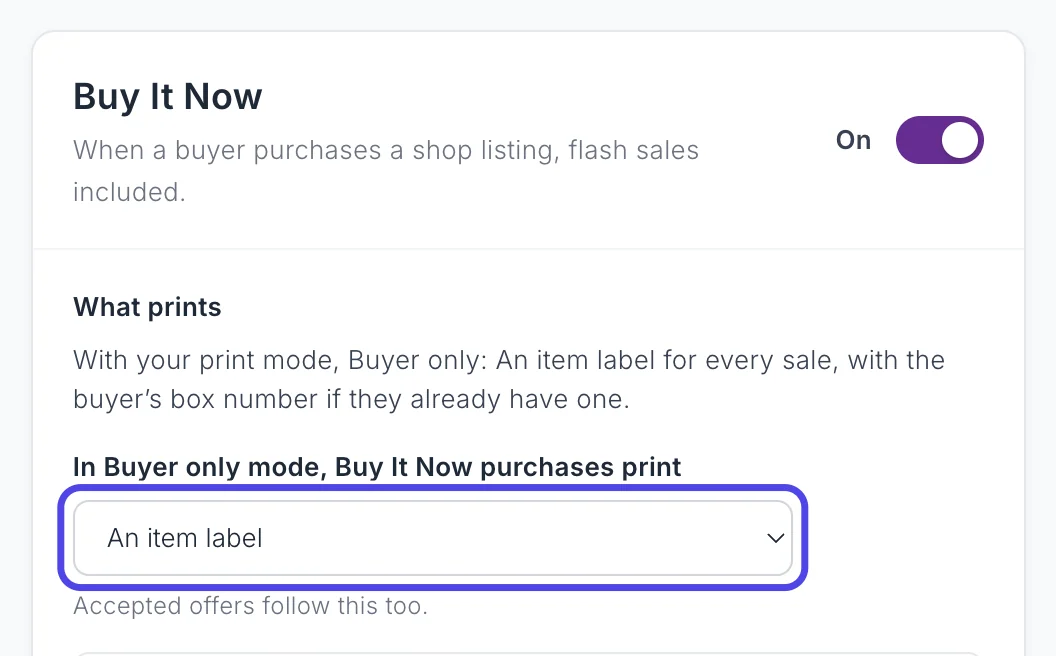
Buy It Now purchases and giveaway wins each have their own choice in Buyer Only. Find them in Customize › Advanced Settings › Label types: pick Buy It Now or Giveaway win, then In Buyer only mode, ... print.
| Choice | What prints |
|---|---|
| An item label (default) | An item label for every sale. It carries the buyer's box number if they already have one from an earlier win; a new buyer gets no number. |
| A box label for new buyers | A box label the first time a buyer wins in the show, then nothing for their later sales. |
| Both | A box label for a new buyer, plus an item label with the box number for every sale. |
Accepted offers follow the Buy It Now choice.
Every Item
An item label for every auction, Buy It Now purchase, accepted offer, and giveaway. No new box numbers are given out, so the number spot on the label is usually blank. If a buyer already got a box number earlier in the same show (for example before you switched modes), their Buy It Now and accepted offer labels still show it. Giveaway labels never do. Use it when you tag every item before it goes into a pile.
Every Item + Buyer
An item label for every sale, with the buyer's box number on it. The first time a buyer wins in the show, a separate box label also prints, for every kind of sale.
Box label for new buyers (on by default, shown only in this mode) turns that separate box label off. Item labels still carry the box number, so this is not the same as Every Item.
Quick reference
| Sale | Every Item | Buyer Only | Every Item + Buyer |
|---|---|---|---|
| Auction win, new buyer | Item label | Box label | Item label with number + box label |
| Auction win, returning buyer | Item label | Nothing | Item label with number |
| Buy It Now or accepted offer | Item label | Follows the Buy It Now choice | Item label with number, + box label for a new buyer |
| Giveaway win | Item label | Follows the giveaway choice | Item label with number, + box label for a new buyer |
"+ box label" in Every Item + Buyer needs Box label for new buyers on. Bonus labels and box label reprints can add labels on top of any row; a type you turned off in Label types prints no label of its own, though a bonus label can still print for it when that sale reaches the bonus count. The full rules are on When NotBot Prints.
Box numbers
NotBot gives out box numbers in order (1, 2, 3, ...) per show, starting at 1 for each new show. A buyer keeps their number for the whole show, even if you restart NotBot. Numbers are NotBot's own, not your platform's.
- Every Item + Buyer: a buyer gets a number on their first sale of any kind.
- Buyer Only: on their first auction win, or their first Buy It Now or giveaway when that choice prints a box label.
- Every Item: no numbers.
Chat messages and giveaway entries never give out a number. A sale that is skipped (its label type is off, or a Skip by item name rule matches) gets no number either. To add a buyer by hand, see Buyer numbers.
Pinned shop listings
When you pin a shop listing on Whatnot and run it like an auction, NotBot treats the sale as a Buy It Now purchase: it follows your Buy It Now settings, shows the BUY IT NOW badge, and counts toward Buy It Now totals and milestones. To treat these as auction wins instead, turn off Treat pinned shop listings as Buy It Now in Customize › Advanced Settings › Rules & filters.
See also
- When NotBot Prints for every rule, including bonus labels and reprints.
- Settings Reference for every setting with its default.
- Labels and the Label Editor for what each label looks like.